Manage Agents in IDX Broker
- Last Updated April 05, 2026
🌟 Welcome! In this guide, you’ll learn how to manage agents in IDX Broker, including how to import agents, update their information, and keep your agent data organized.
The following tools are covered:
- Agent Management in IDX Broker
- Import Agents
- Edit Agent Information
- Agent Profiles
- Agent Access & Password Management
📺 Video Overview:
🧑💼 Access the Agents Section
- Log in to your IDX Broker dashboard.
- Navigate to: Account → Users → Agents
Here you will find all the agents associated with your account.
📥 Import Agents
- Click on Import Agents.
- Upload your file or follow the import process to add multiple agents at once.
This is useful when onboarding multiple agents quickly.
📝 Edit Agent Information
- Locate the agent in the list.
- Click the Edit button.

You can update:
- Name
- Phone Number
- Agent Details
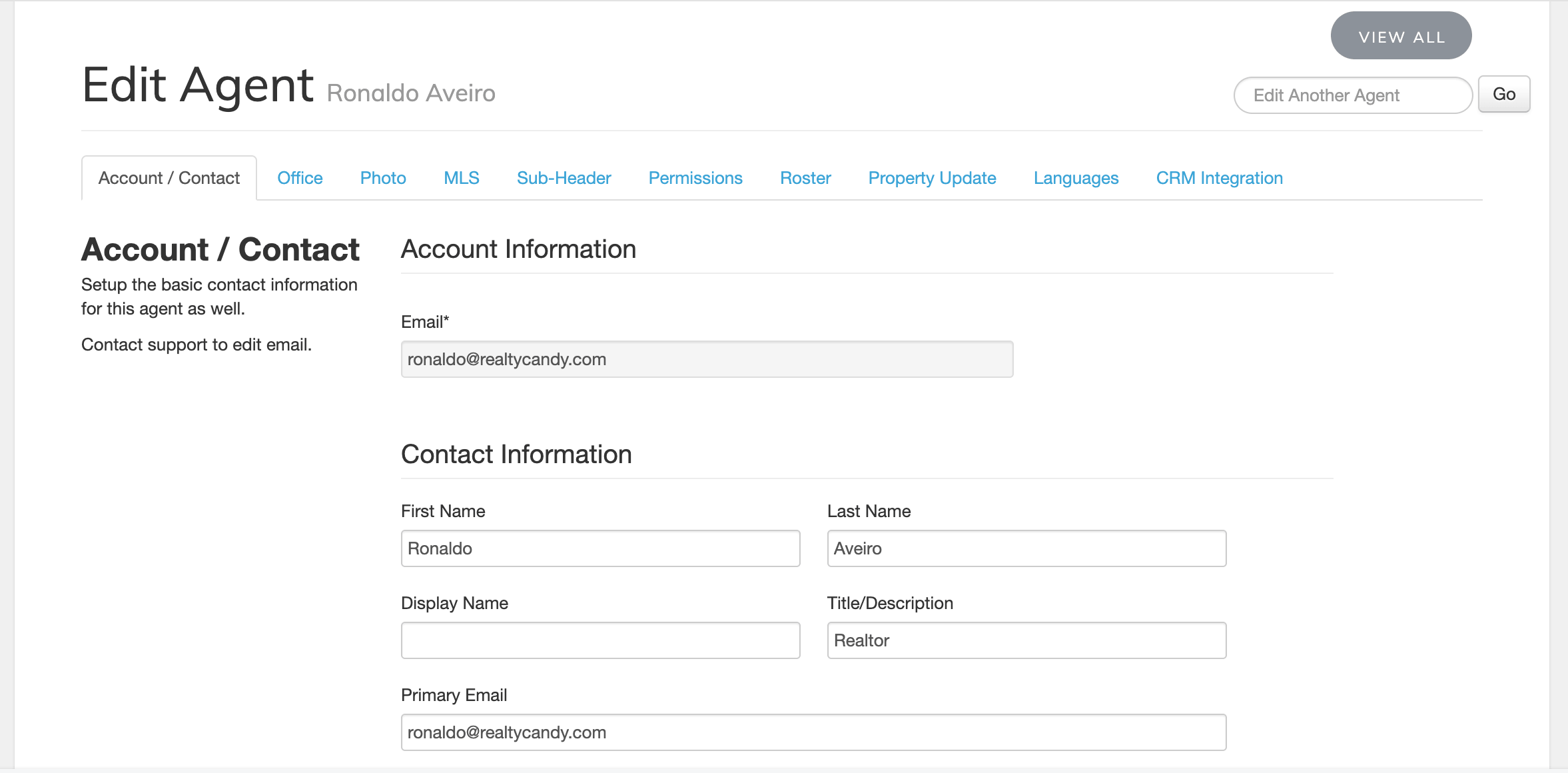
Once finished, click Save Changes.
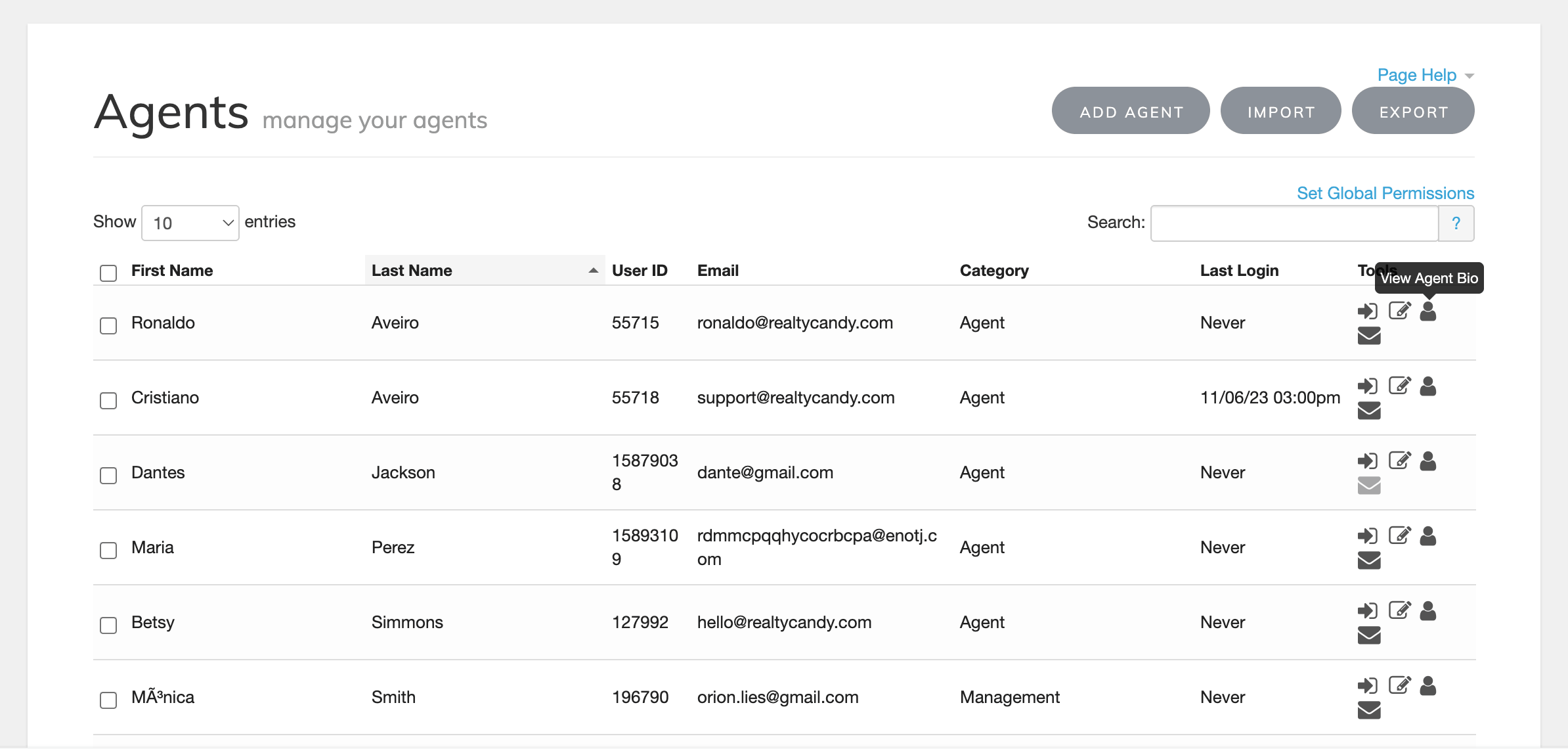
👤 View Agent Profile
Click on View Agent Bio to preview how the agent appears, this helps you verify that all information is correct.
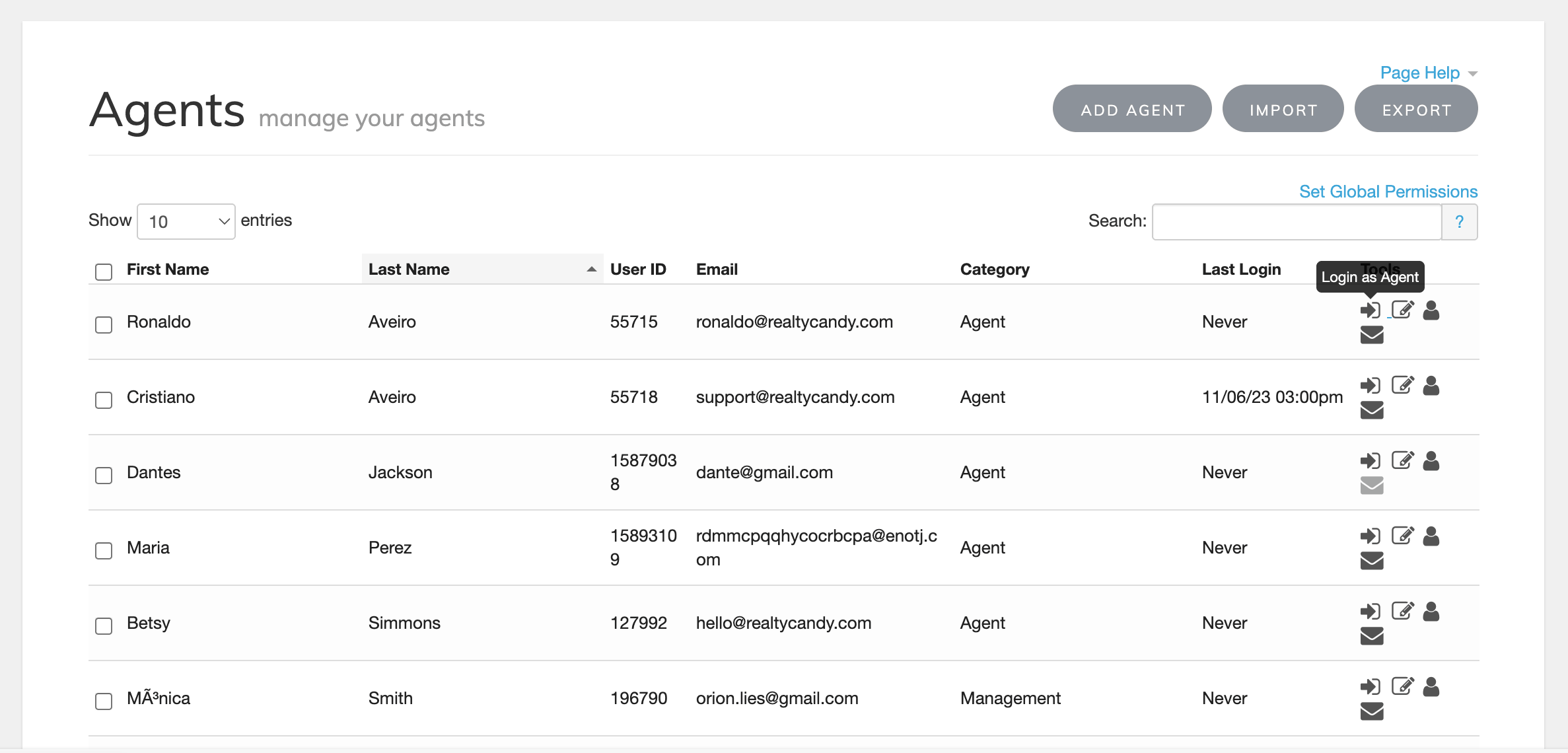
🔐 Login as Agent
Use the Login as Agent option to access the system as that agent,this is helpful for troubleshooting or testing.
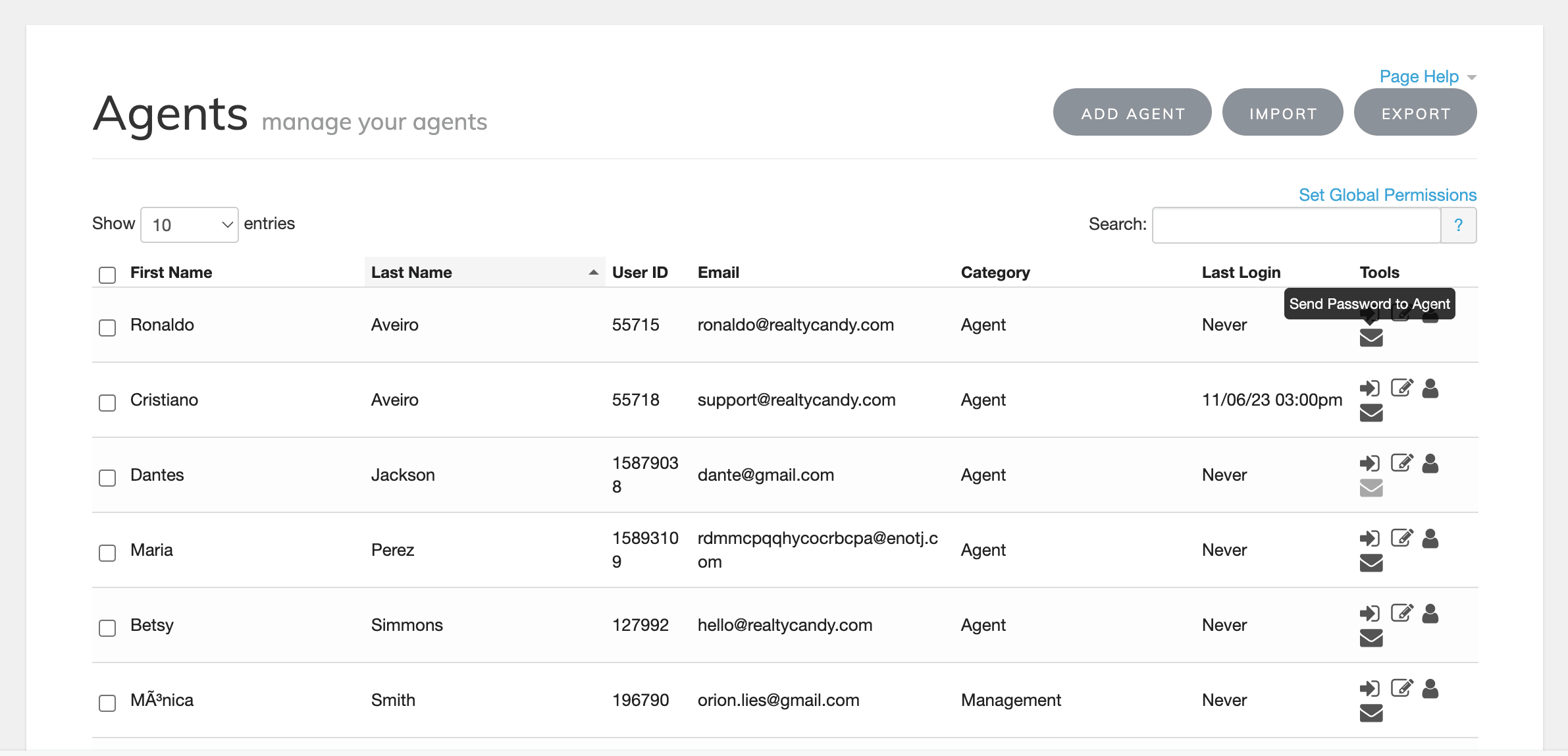
🔑 Send Password to Agent
Click Send Password to send a reset or access link to the agent.
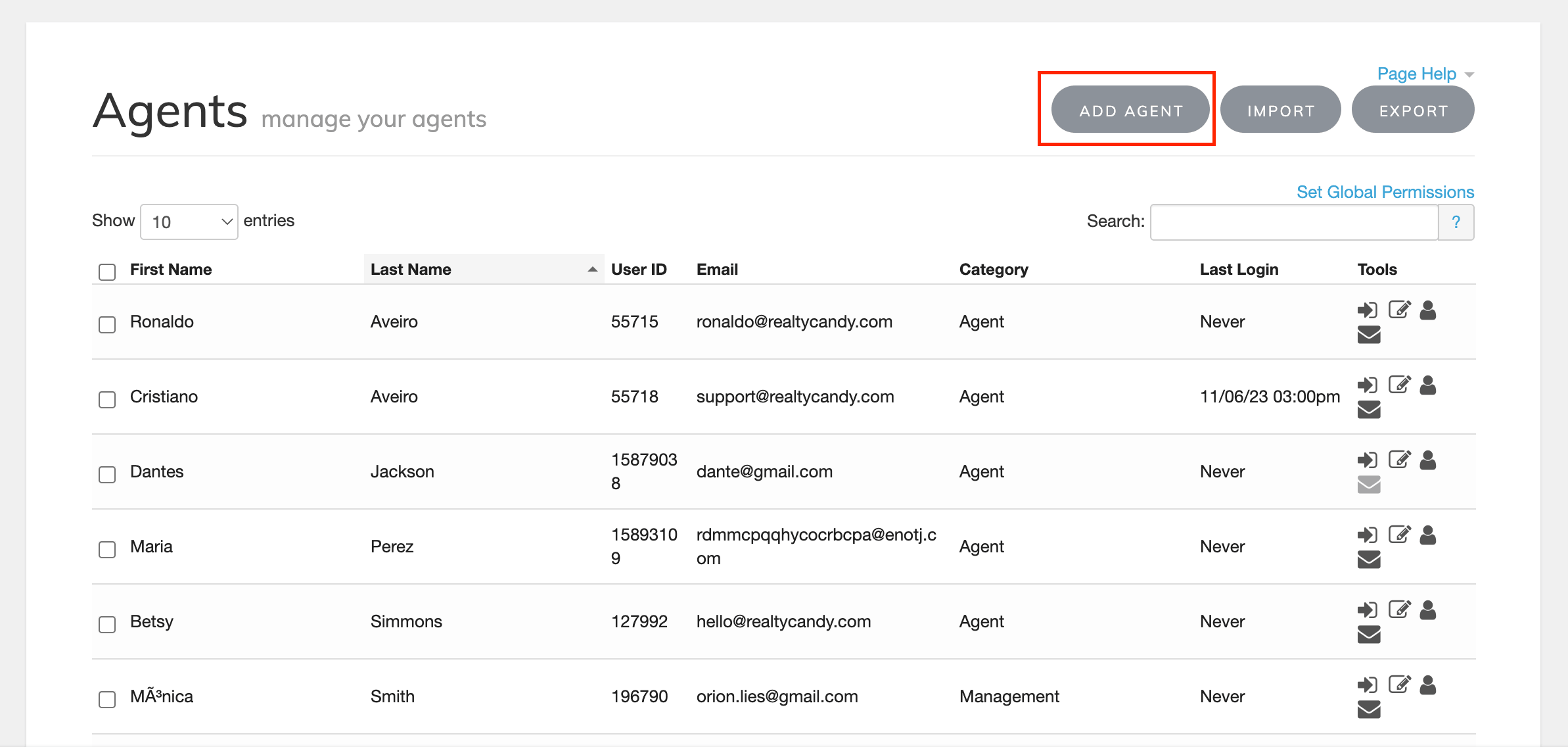
➕ Create a New Agent
- Click on Add Agent.
- Fill in the required information.
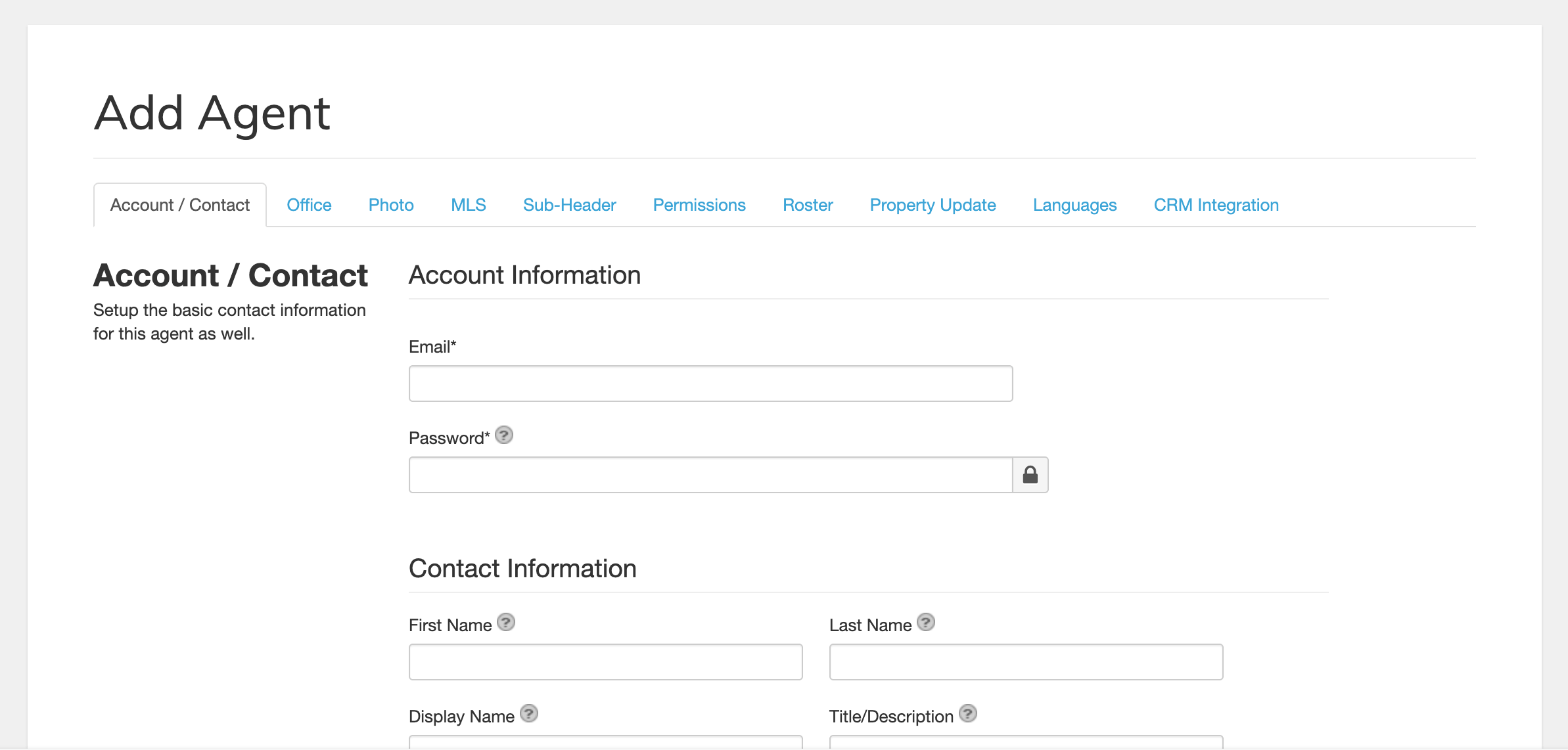
- Click Save Changes.
🔄 Keep Agent Information Updated
Regularly review and update agent information to ensure everything displayed on your site is accurate.
🚀 Let’s Get Started!
Let’s get started by exploring how to manage agents in IDX Broker. In this guide, you’ll learn how to import agents, update their information, and keep your agent data organized so it displays correctly across your website.